Kaip pridėti rodinį (Gadget) CLBT01?
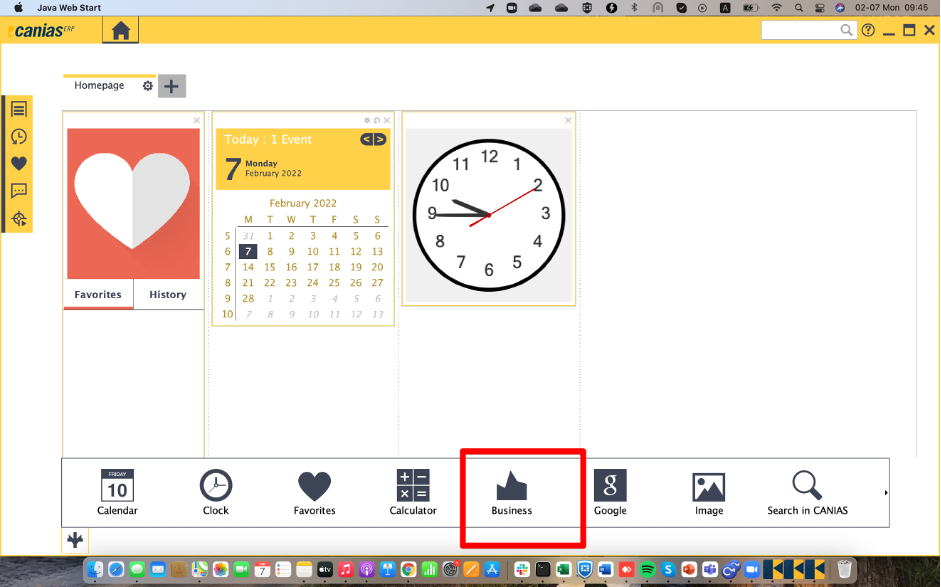
On homepage there is a plus button in the left corner. Click this plus button and choose business gadget and double click on it.
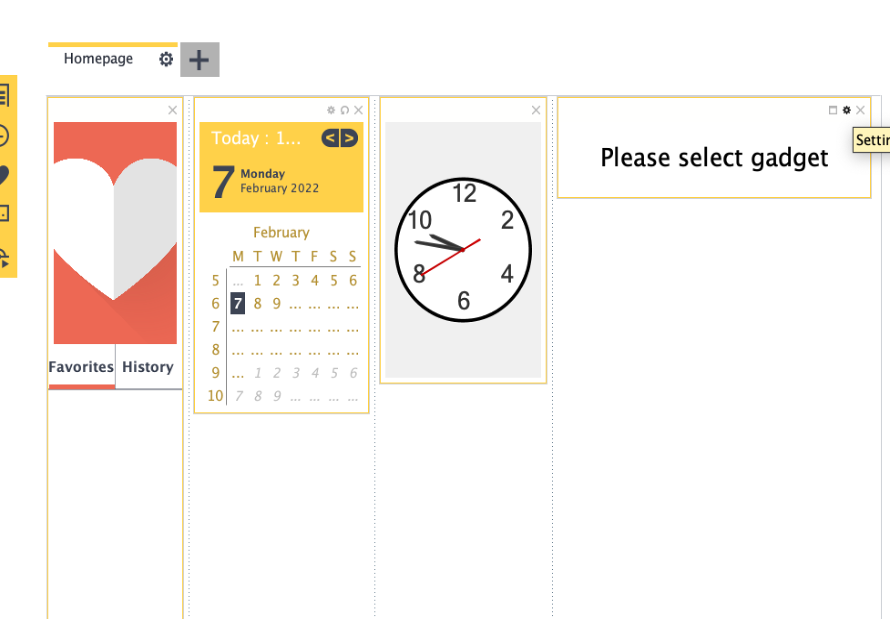
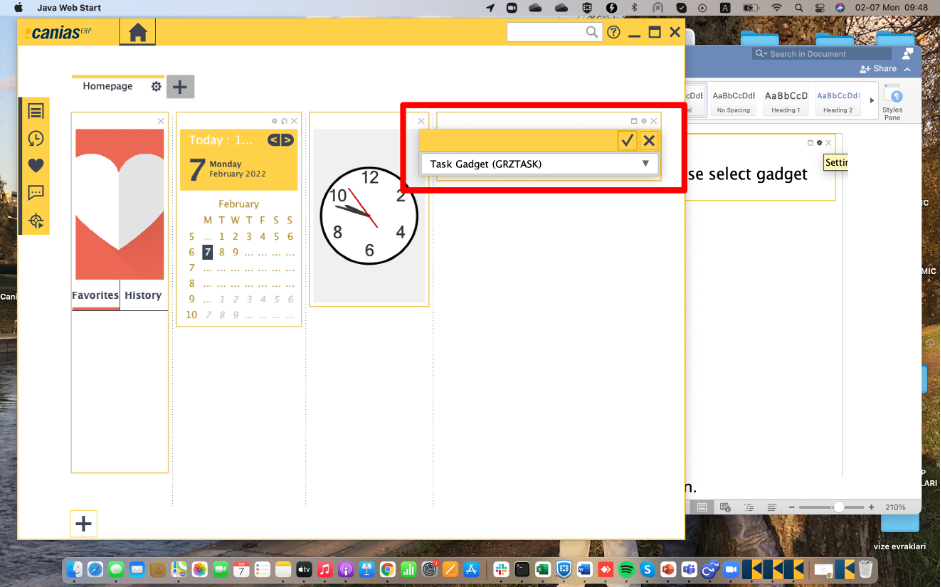
Go to gadget and choose the second settings button. After selecting setting there is task gadget line choose the line and click OK.
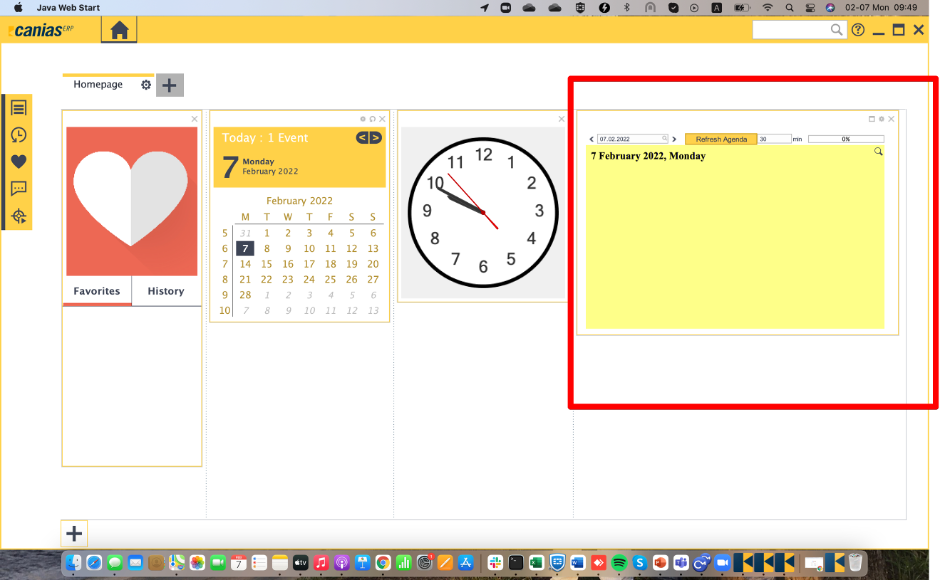
Finally you will have the screen under below, when you click refresh agenda you will see the announcements or trainings or whatever you arranged.